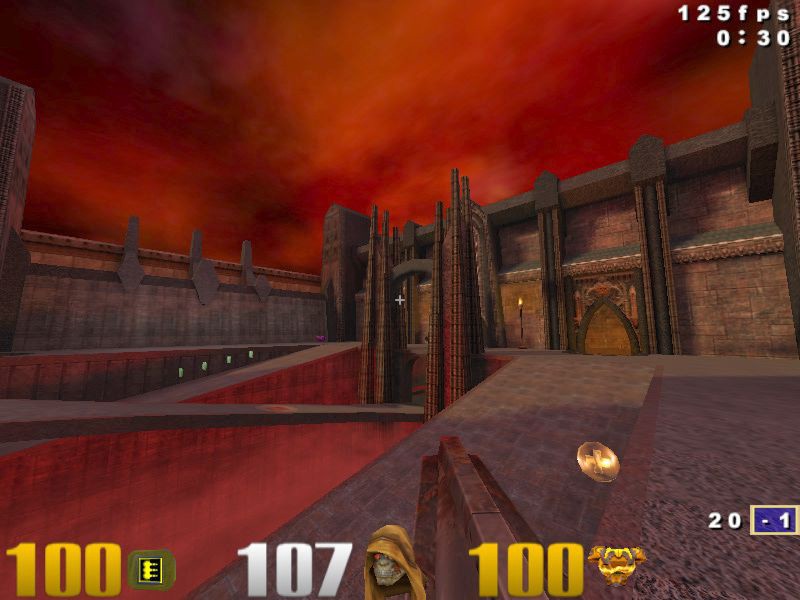
2.2 KiB
Welcome to Quake 3 source code!
This repository contains updated version of the original Q3 codebase with reorganized code structure, compatibility fixes, build setup for the latest Visual Studio and modifications that update the core tech but preserve original gameplay, look and feel.
Usage
- Build
visual-studio/quake3.slnsolution. - Copy
quake3-ke.exeto your local Quake-III-Arena installation folder.
Vulkan support
Vulkan backend provides the same graphics features as original OpenGL-based one including customization via r_xxx cvars and debug visualization.
New cvars:
-
r_renderAPI - 3D API to use. Requires vid_restart.
- 0 - OpenGL
- 1 - Vulkan
- 2 - DX12 (if enabled, see below)
-
r_twinMode - Debug feature to compare rendering output between OpenGL/Vulkan/DX12 APIs. Requires vid_restart.

Additional information:
- Q: How to start game with vulkan support? A:
quake3-ke.exe +set r_renderAPI 1. - Q: How to enable vulkan support from Q3 console? A:
\r_renderAPI 1then\vid_restart. - Q: How to enable twin mode from Q3 console? A:
\r_twinMode 1or\r_twinMode 1then\vid_restart. - Q: How to check that Vulkan backend is really active? A:
gfxinfoconsole command reports information about active rendering backend.
DX12 support
DirectX 12 backend implementation is provided mostly for educational purposes and is not included in the prebuild binaries. It can be enabled by uncommenting ENABLE_DX12 define in dx.h header and recompiling the project.
Visual Studio
The project files are provided for Visual Studio 2017. Free community version is available online.
To start the game from visual studio in quake3 project's properties go to Debugging->Command Arguments and specify command line in the form: +set fs_basepath <quake3/installation/directory>